New
Onboarding Beta Users
Submit proposals with confidence
For AEC firms chasing public sector work – organize your team, accelerate proposal development, and win more work
New
Onboarding Beta Users
Submit proposals with confidence
For AEC firms chasing public sector work – organize your team, accelerate proposal development, and win more work











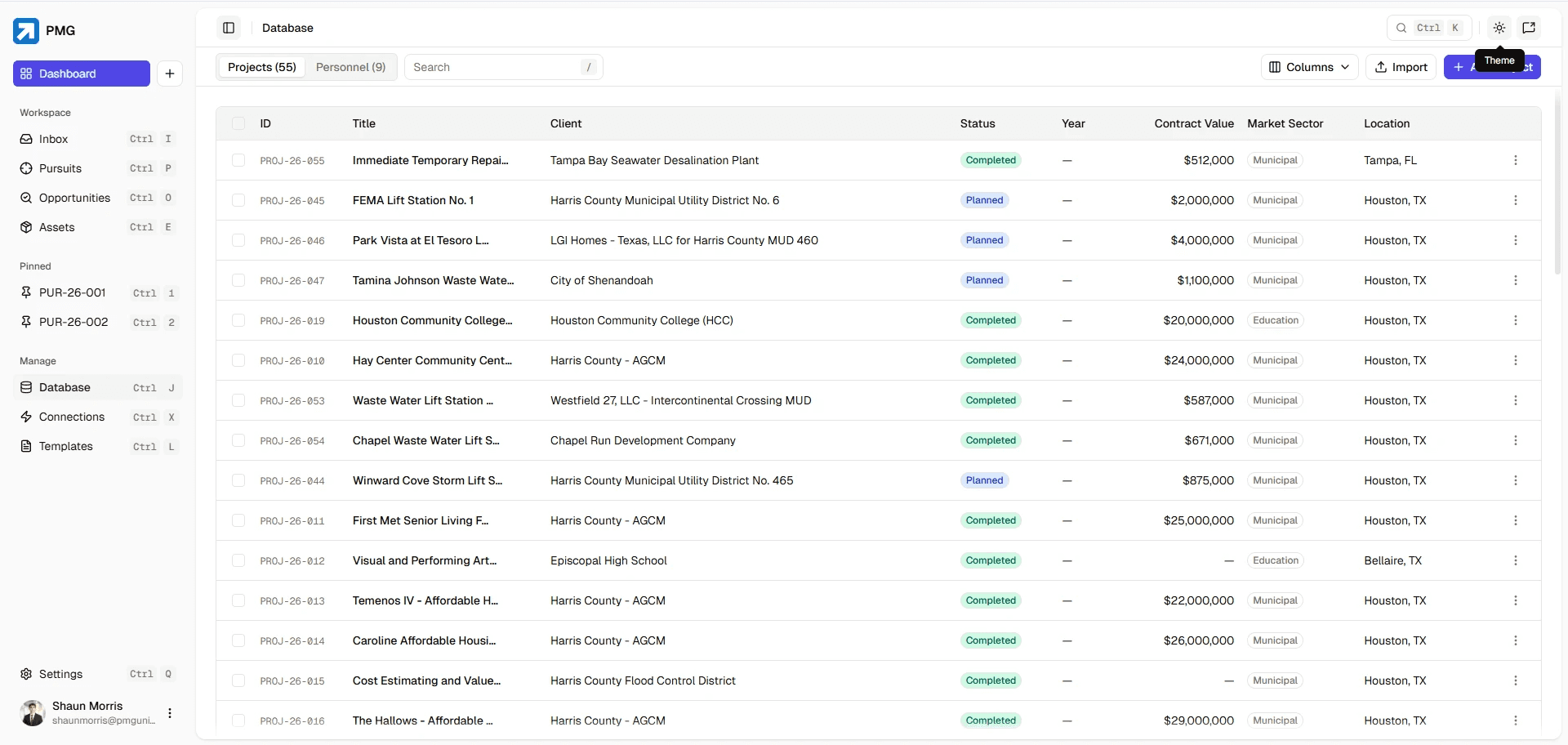
Centralized Library
Stop hunting for proposal content
Centralize all your firm's experience, past projects, and qualifications in one organized library. Find what you need in seconds.
Centralized Library
Stop hunting for proposal content
Centralize all your firm's experience, past projects, and qualifications in one organized library. Find what you need in seconds.
Centralized Library
Stop hunting for proposal content
Centralize all your firm's experience, past projects, and qualifications in one organized library. Find what you need in seconds.
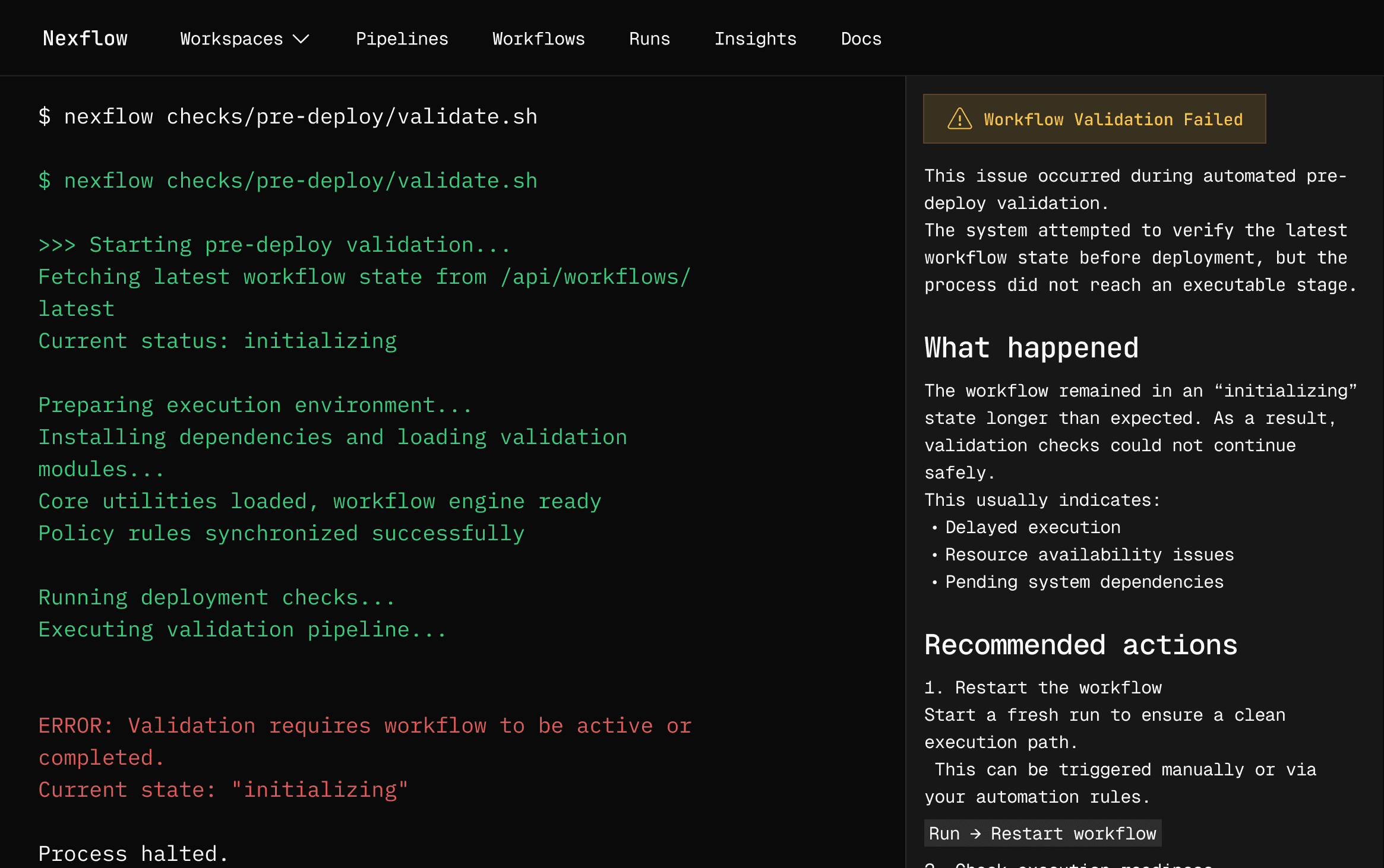
Connected Workflow
Integrate with your existing workflow
Pull from SharePoint, draft in Word, design in InDesign, manage in Teams. Everything syncs automatically so your team stays focused.
Connected Workflow
Integrate with your existing workflow
Pull from SharePoint, draft in Word, design in InDesign, manage in Teams. Everything syncs automatically so your team stays focused.
Connected Workflow
Integrate with your existing workflow
Pull from SharePoint, draft in Word, design in InDesign, manage in Teams. Everything syncs automatically so your team stays focused.
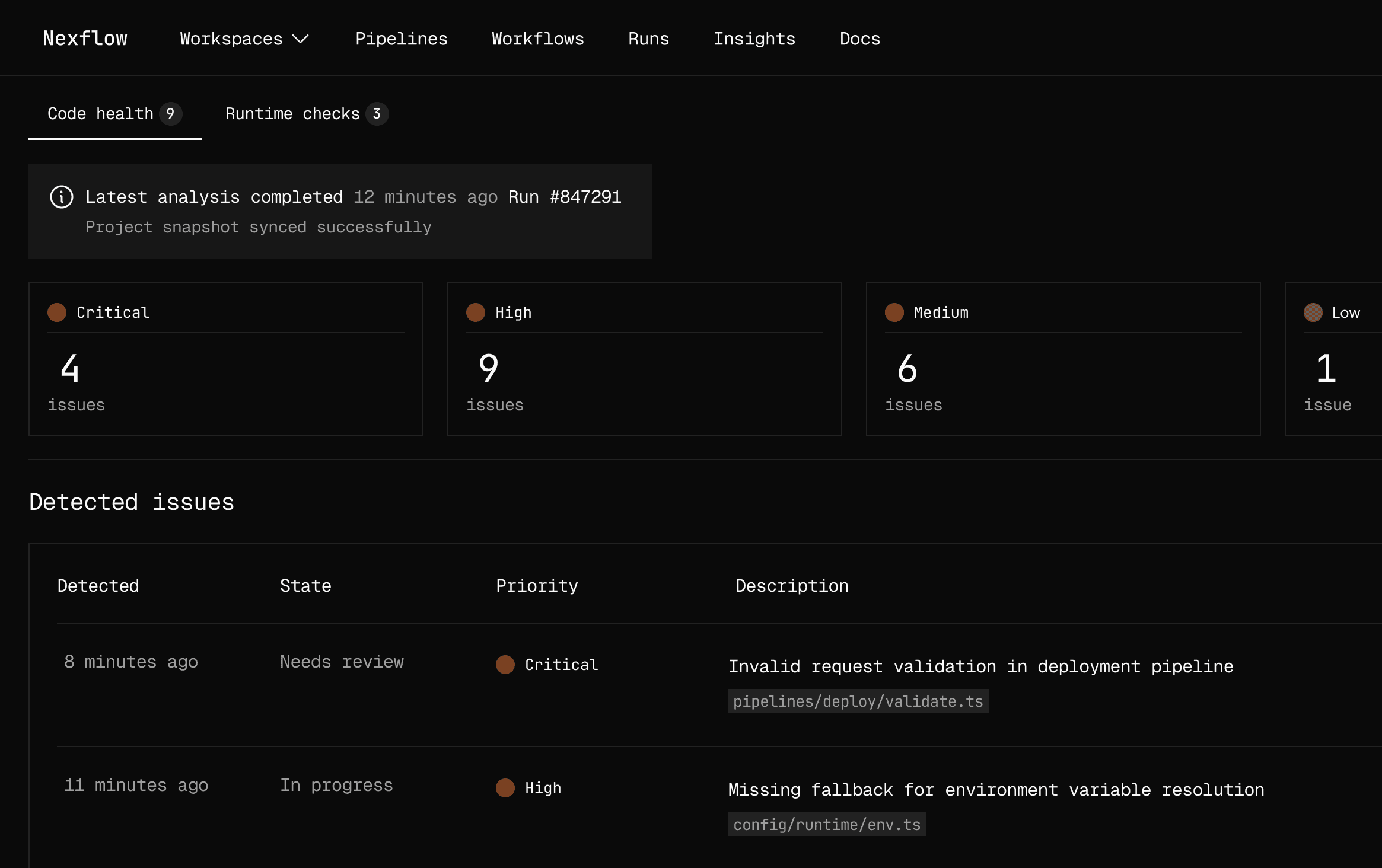
Real-Time Teamwork
Collaborate seamlessly, internally and externally
Multi-office teams, partnerships, subconsultants collaborate on proposals simultaneously without email threads, version chaos, or confusion.
Real-Time Teamwork
Collaborate seamlessly, internally and externally
Multi-office teams, partnerships, subconsultants collaborate on proposals simultaneously without email threads, version chaos, or confusion.
Real-Time Teamwork
Collaborate seamlessly, internally and externally
Multi-office teams, partnerships, subconsultants collaborate on proposals simultaneously without email threads, version chaos, or confusion.
Features
Built for public-sector
AEC firms
Purpose-built features that streamline your proposal process and help your team win more work.
Dynamic Content Matching
Responsive Resume & Project Tools
Integrated with Microsoft and Adobe
APMP-Compliant Workflow
Follow APMP proposal management principles built into your workflow. Increase quality, consistency, and submission effectiveness across every pursuit.
Dynamic Content Matching
Responsive Resume & Project Tools
Integrated with Microsoft and Adobe
APMP-Compliant Workflow
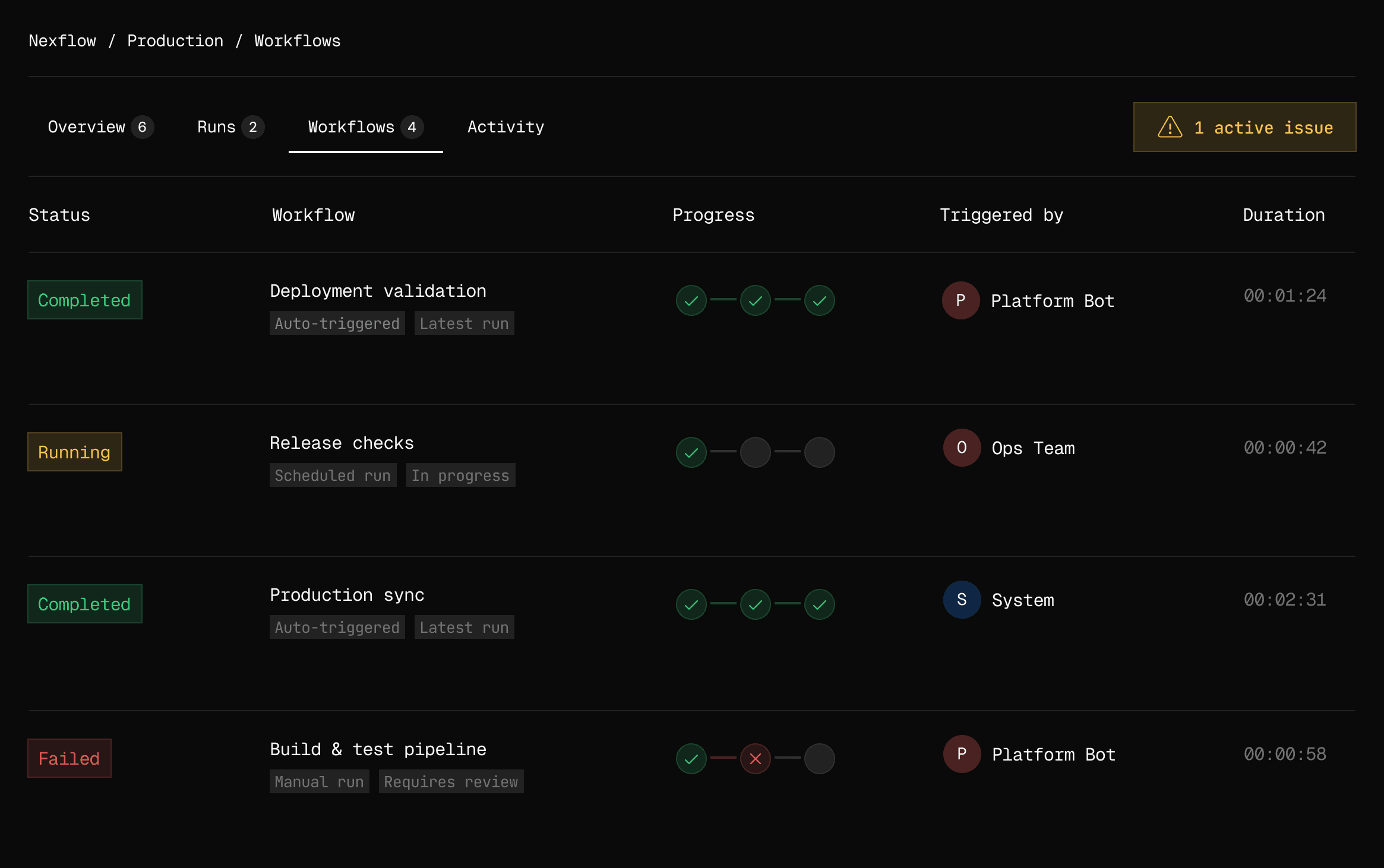
Dynamic Content Matching
Dataprint intelligently matches your firm's experience and capabilities to RFQ requirements. Assemble proposals from relevant, vetted content instantly.
Responsive Resume & Project Tools
Integrated with Microsoft and Adobe
APMP-Compliant Workflow
Benefits
Built to increase quality and efficiency
Increaed efficiency
Assemble proposals in days, not weeks.
Increaed efficiency
Assemble proposals in days, not weeks.
Seamless tool integration
Work with Microsoft, Adobe, SharePoint seamlessly
Seamless tool integration
Work with Microsoft, Adobe, SharePoint seamlessly
Real-time collaboration
Multiple teams, one proposal, zero chaos.
Real-time collaboration
Multiple teams, one proposal, zero chaos.
Organized, ready-to-use content
Find the right data in seconds.
Organized, ready-to-use content
Find the right data in seconds.
Higher quality submissions
APMP-compliant workflows ensure consistency and polish.
Higher quality submissions
APMP-compliant workflows ensure consistency and polish.
Proposal metric visibility
Understand what's working, optimize what isn't.
Proposal metric visibility
Understand what's working, optimize what isn't.
Comparison
Why AEC Firms
choose Dataprint
Other tools

Dataprint
Setup time
Setup time
Days / weeks
Minutes
Minutes
Pre-deploy checks
Pre-deploy checks
Workflow visibility
Workflow visibility
Partial
Real-time
Real-time
Automation coverage
Automation coverage
Error prevention
Error prevention
Reactive
Proactive
Proactive
Environment sync
Environment sync
Team collaboration
Team collaboration
Limited
Policy enforcement
Policy enforcement
Manual
Automatic
Automatic
Scaling effort
Scaling effort
High
Minimal
Minimal
Production readiness
Production readiness
Additional setup
Need a custom plan?
Need a custom plan?
We can tailor workflows, limits, and infrastructure to fit your team’s needs.
How it works
From RFQ to submission — fully assembled, every step
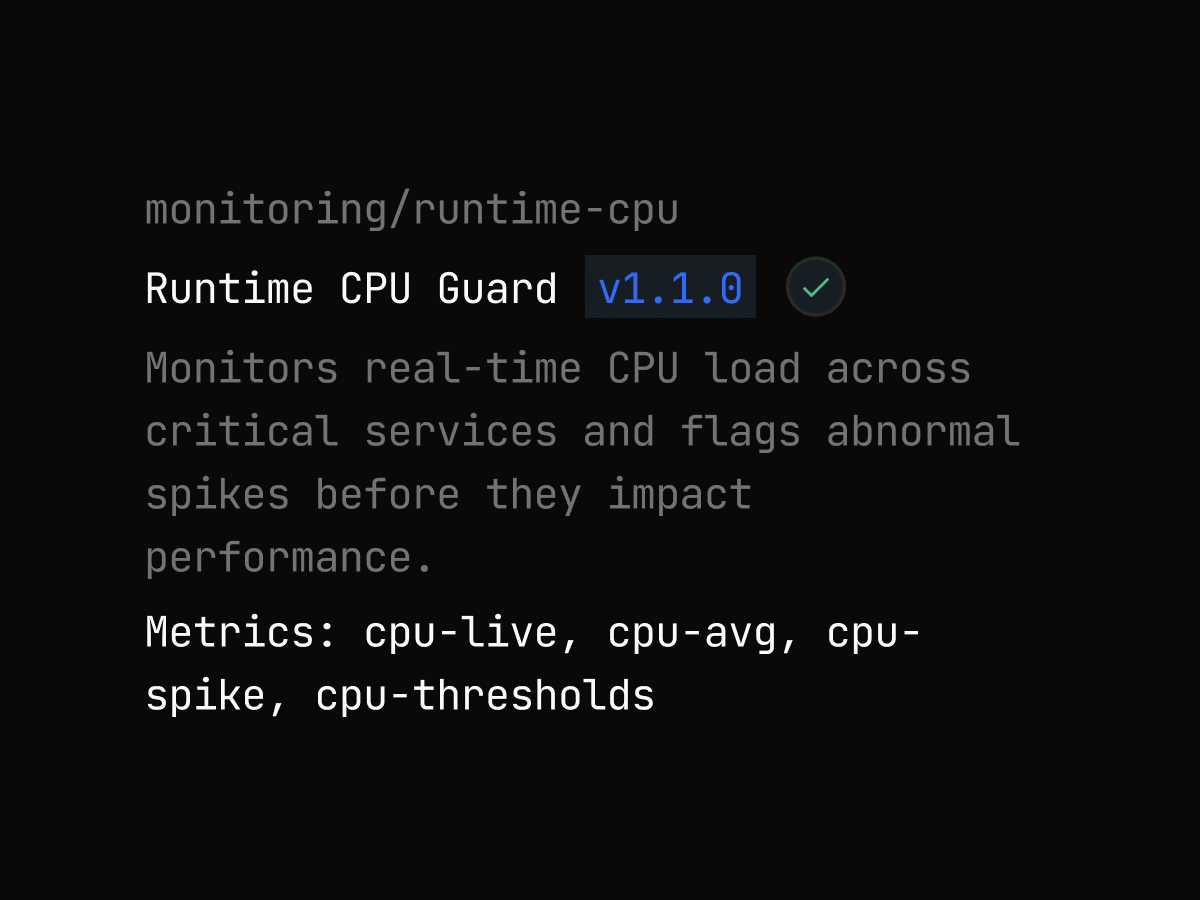
Step 1
Analyze RFP/RFQ
Parse requirements. Identify the scope of work. Know exactly what the client needs.
Step 1
Analyze RFP/RFQ
Parse requirements. Identify the scope of work. Know exactly what the client needs.
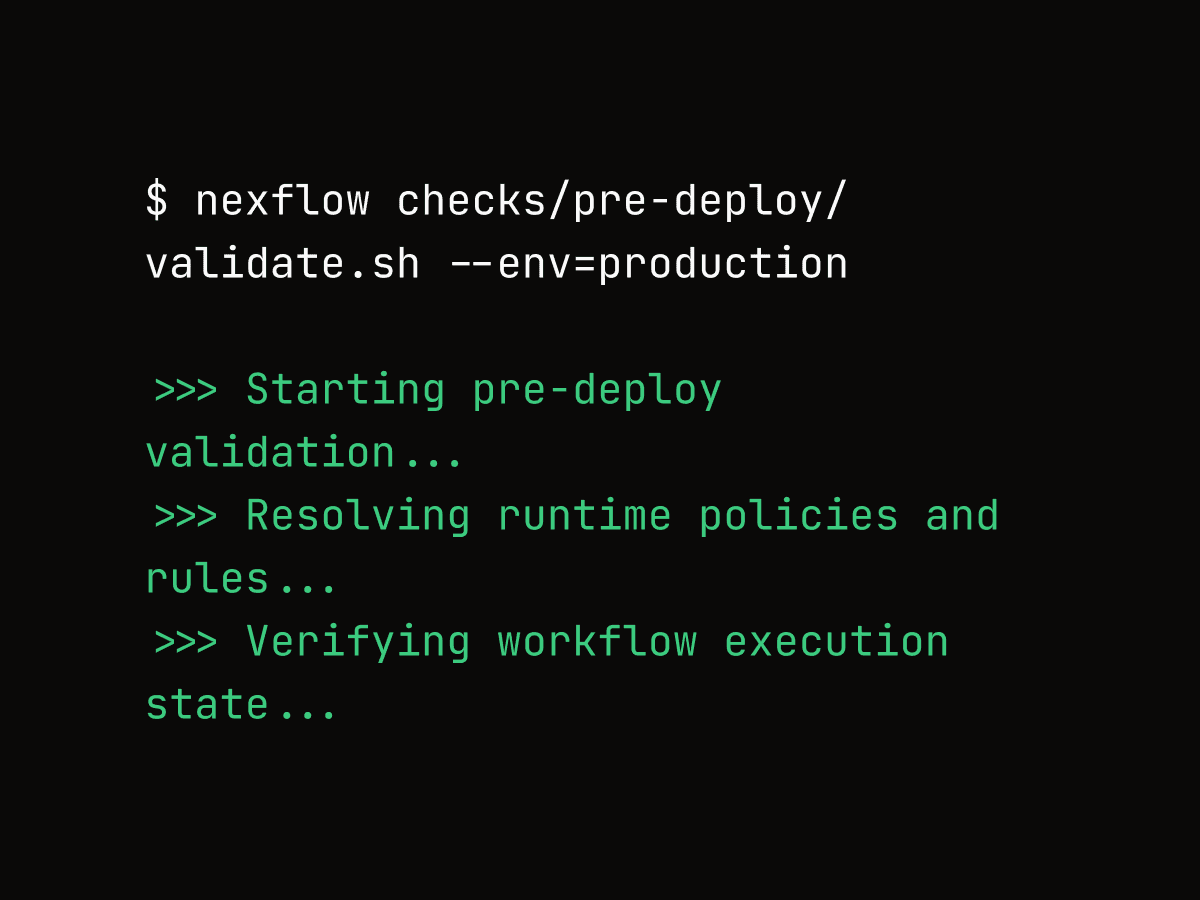
Step 2
Decide your approach
Choose best-fit projects and team. Dataprint suggests based on project/industry fit.
Step 2
Decide your approach
Choose best-fit projects and team. Dataprint suggests based on project/industry fit.
Step 3
Outline structure
Develop structure and outline. Dataprint assembles the rest and prepares for export.
Step 3
Outline structure
Develop structure and outline. Dataprint assembles the rest and prepares for export.
Customer Impact
Built for teams growing revenue at scale
“Before Dataprint, our proposal process relied on scattered information and manual overloads. Now everything runs through a single execution layer — with full visibility at every step.”
Rachel Klein
Proposal Manager
Compliance reliability
Compliance reliability
Manual intervention
Manual intervention
Saved per submission
Saved per submission
Saved per submission
Testimonials
Trusted by teams shipping to production
Dataprint finally gave us a single place to build our proposals.

Olivia Carter
Proposal Manager
We used to rely on brain storage for project data. With Dataprint, the project data is easily accessible and ready-to-pull.

Ethan Caldwell
Project Engineer
What surprised us most was how little setup it needed. We were able to start using it within the first week.

Maya Rodriguez
Director of Marketing
It feels like infrastructure, not another tool. Dataprint acts like a system to help us manage our proposals and data.

Lucas Bennett
Marketing Director
Dataprint finally gave us a single place to build our proposals.
Olivia Carter
Proposal Manager
We used to rely on brain storage for project data. With Dataprint, the project data is easily accessible and ready-to-pull.
Ethan Caldwell
Project Engineer
What surprised us most was how little setup it needed. We were able to start using it within the first week.
Maya Rodriguez
Director of Marketing
It feels like infrastructure, not another tool. Dataprint acts like a system to help us manage our proposals and data.
Lucas Bennett
Marketing Director
Dataprint is a life-saver! It helps us chase more and stress less!

Sofia Klein
CMO
Reviewing changes became faster because context is already there. You don’t need to ask what happened — you can see it.

Daniel Foster
Project Manager
We can finally pull our best project information and show our best resumes without all of the digging.

Aylin Demir
Marketing Coordinator
The execution timeline alone is worth it. Seeing development, strategy and collaboration in one place is amazing.

Marcus Reed
CEO
Dataprint reduced release anxiety across the team. Fewer surprises, fewer changes, fewer last-minute edits.

Julia Novak
Marketing Lead
Once we uploaded our project data, we could just pull and re-use the content any way we watned, as much as we wanted.

Ryan Mitchell
Project Manager
Our teams could actually chase more projects and submit higher quality proposals at the same time.

Lina Berg
Architect
It’s the first system that made proposals feel intentional. Not reactive. Not manual. Just built-in.

Alex Morgan
President
Dataprint finally gave us a single place to build our proposals.
Olivia Carter
Proposal Manager
We used to rely on brain storage for project data. With Dataprint, the project data is easily accessible and ready-to-pull.
Ethan Caldwell
Project Engineer
What surprised us most was how little setup it needed. We were able to start using it within the first week.
Maya Rodriguez
Director of Marketing
It feels like infrastructure, not another tool. Dataprint acts like a system to help us manage our proposals and data.
Lucas Bennett
Marketing Director
Dataprint is a life-saver! It helps us chase more and stress less!
Sofia Klein
CMO
Reviewing changes became faster because context is already there. You don’t need to ask what happened — you can see it.
Daniel Foster
Project Manager
Dataprint is a life-saver! It helps us chase more and stress less!
Sofia Klein
CMO
Reviewing changes became faster because context is already there. You don’t need to ask what happened — you can see it.
Daniel Foster
Project Manager
We can finally pull our best project information and show our best resumes without all of the digging.
Aylin Demir
Marketing Coordinator
The execution timeline alone is worth it. Seeing development, strategy and collaboration in one place is amazing.
Marcus Reed
CEO
We can finally pull our best project information and show our best resumes without all of the digging.
Aylin Demir
Marketing Coordinator
The execution timeline alone is worth it. Seeing development, strategy and collaboration in one place is amazing.
Marcus Reed
CEO
Dataprint reduced release anxiety across the team. Fewer surprises, fewer changes, fewer last-minute edits.
Julia Novak
Marketing Lead
Once we uploaded our project data, we could just pull and re-use the content any way we watned, as much as we wanted.
Ryan Mitchell
Project Manager
Our teams could actually chase more projects and submit higher quality proposals at the same time.
Lina Berg
Architect
It’s the first system that made proposals feel intentional. Not reactive. Not manual. Just built-in.
Alex Morgan
President
Dataprint reduced release anxiety across the team. Fewer surprises, fewer changes, fewer last-minute edits.
Julia Novak
Marketing Lead
Once we uploaded our project data, we could just pull and re-use the content any way we watned, as much as we wanted.
Ryan Mitchell
Project Manager
Our teams could actually chase more projects and submit higher quality proposals at the same time.
Lina Berg
Architect
It’s the first system that made proposals feel intentional. Not reactive. Not manual. Just built-in.
Alex Morgan
President
FAQs
Got questions?
We’ve got answers.
Still have questions?
Contact us and we’ll help you out.
01
How do we get our content into Dataprint?
You don't have to migrate everything at once. Many firms start fresh and build their library going forward—adding projects, resumes, and qualifications as they're completed. If you want to migrate past proposals or existing content, we can help, but it's optional. You control the pace.
02
Does Dataprint integrate with tools we already use?
Yes. We're natively integrated with Microsoft 365 (Word, PowerPoint, SharePoint, Teams), Adobe InDesign, and your CRM. You work in familiar tools while Dataprint manages the proposal in the background. No context switching, no manual file transfers—everything stays synced.
03
What's the learning curve for our team?
Low. If your team knows Microsoft 365, they'll recognize Dataprint immediately. Most coordinators are comfortable within a day or two. We provide role-specific training (different for coordinators vs. technical experts vs. leadership) so everyone learns what they actually need. You're not learning a completely new system—you're adding a better way to organize and assemble what you already do.
04
How do we measure if Dataprint is actually working?
Track four metrics: (1) Proposal development time per RFQ, (2) Win rate (if it improves), (3) Team hours spent per proposal, (4) Number of proposals submitted per month. Most firms see measurable improvement in the first 60 days—faster turnaround, more submissions, or both. The real win is capacity: you respond to more RFQs without adding headcount.
05
How much time will Dataprint actually save my team?
Most AEC firms see 40-60% reduction in proposal development time within the first 60 days. That typically means proposals that took 3+ weeks now take 1 week. The savings come from three places: centralized content (no more hunting through drives), intelligent matching (relevant content pre-selected), and streamlined collaboration (no email threads or version chaos). The actual time savings depend on your current process, but every firm sees meaningful improvement.
06
Will Dataprint work for our multi-office team or partnerships?
Yes. That's actually one of our core strengths. Each office has its own workspace with complete data isolation—Office A can't see Office B's proprietary information. For joint ventures, we create linked workspaces so partner firms collaborate on the shared proposal while keeping firm-specific content confidential. Everything stays secure while enabling seamless teamwork.
01
How do we get our content into Dataprint?
You don't have to migrate everything at once. Many firms start fresh and build their library going forward—adding projects, resumes, and qualifications as they're completed. If you want to migrate past proposals or existing content, we can help, but it's optional. You control the pace.
02
Does Dataprint integrate with tools we already use?
Yes. We're natively integrated with Microsoft 365 (Word, PowerPoint, SharePoint, Teams), Adobe InDesign, and your CRM. You work in familiar tools while Dataprint manages the proposal in the background. No context switching, no manual file transfers—everything stays synced.
03
What's the learning curve for our team?
Low. If your team knows Microsoft 365, they'll recognize Dataprint immediately. Most coordinators are comfortable within a day or two. We provide role-specific training (different for coordinators vs. technical experts vs. leadership) so everyone learns what they actually need. You're not learning a completely new system—you're adding a better way to organize and assemble what you already do.
04
How do we measure if Dataprint is actually working?
Track four metrics: (1) Proposal development time per RFQ, (2) Win rate (if it improves), (3) Team hours spent per proposal, (4) Number of proposals submitted per month. Most firms see measurable improvement in the first 60 days—faster turnaround, more submissions, or both. The real win is capacity: you respond to more RFQs without adding headcount.
05
How much time will Dataprint actually save my team?
Most AEC firms see 40-60% reduction in proposal development time within the first 60 days. That typically means proposals that took 3+ weeks now take 1 week. The savings come from three places: centralized content (no more hunting through drives), intelligent matching (relevant content pre-selected), and streamlined collaboration (no email threads or version chaos). The actual time savings depend on your current process, but every firm sees meaningful improvement.
06
Will Dataprint work for our multi-office team or partnerships?
Yes. That's actually one of our core strengths. Each office has its own workspace with complete data isolation—Office A can't see Office B's proprietary information. For joint ventures, we create linked workspaces so partner firms collaborate on the shared proposal while keeping firm-specific content confidential. Everything stays secure while enabling seamless teamwork.
Stop guessing. Start winning.
See how analysis, strategy, and assembly work together to build winning proposals.
Stop guessing. Start winning.
See how analysis, strategy, and assembly work together to build winning proposals.